All services / Robotics
Robotics and electronics
The board, the firmware, and the machine.
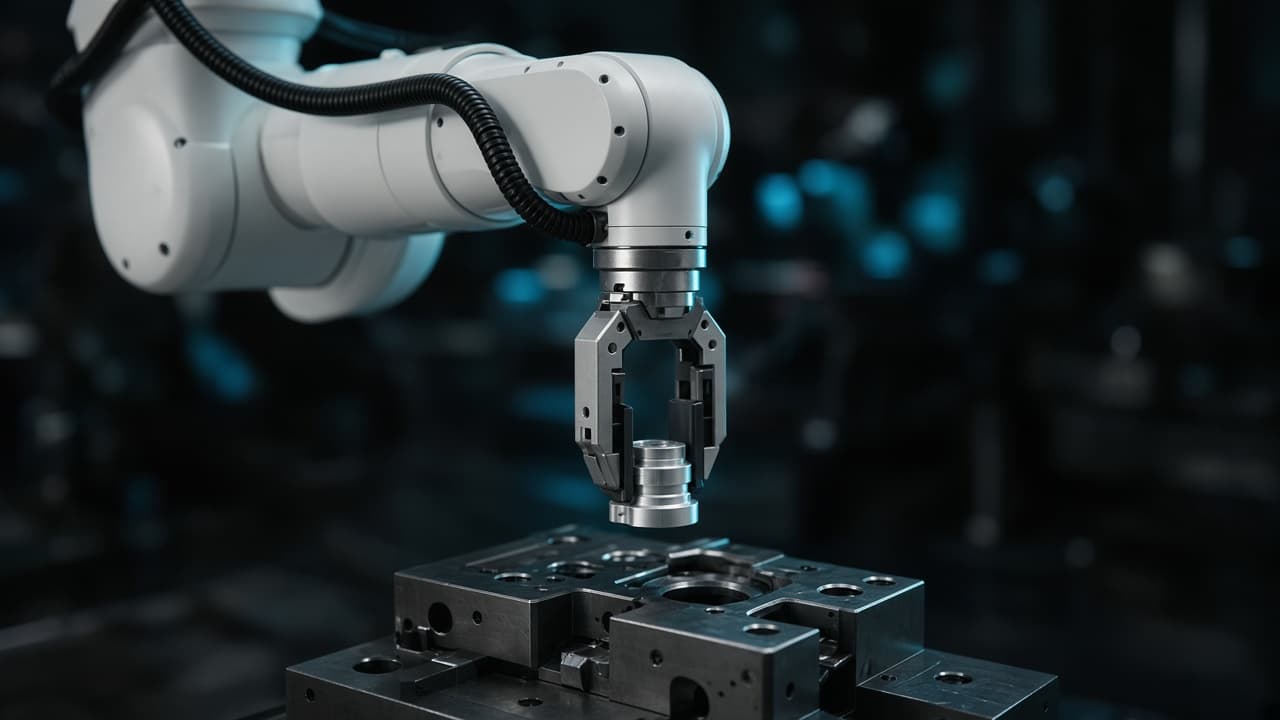
An arm that takes a part is the last thing you see. Before that we design the board, write the firmware that holds the motion, and connect both to the floor you already run. Intelligent electronics and intelligent robotics, as one system.
What the service actually is.
Four parts. Any one of them can be the job. Together they are a machine your team can run.
01 · The electronics
Intelligent boards
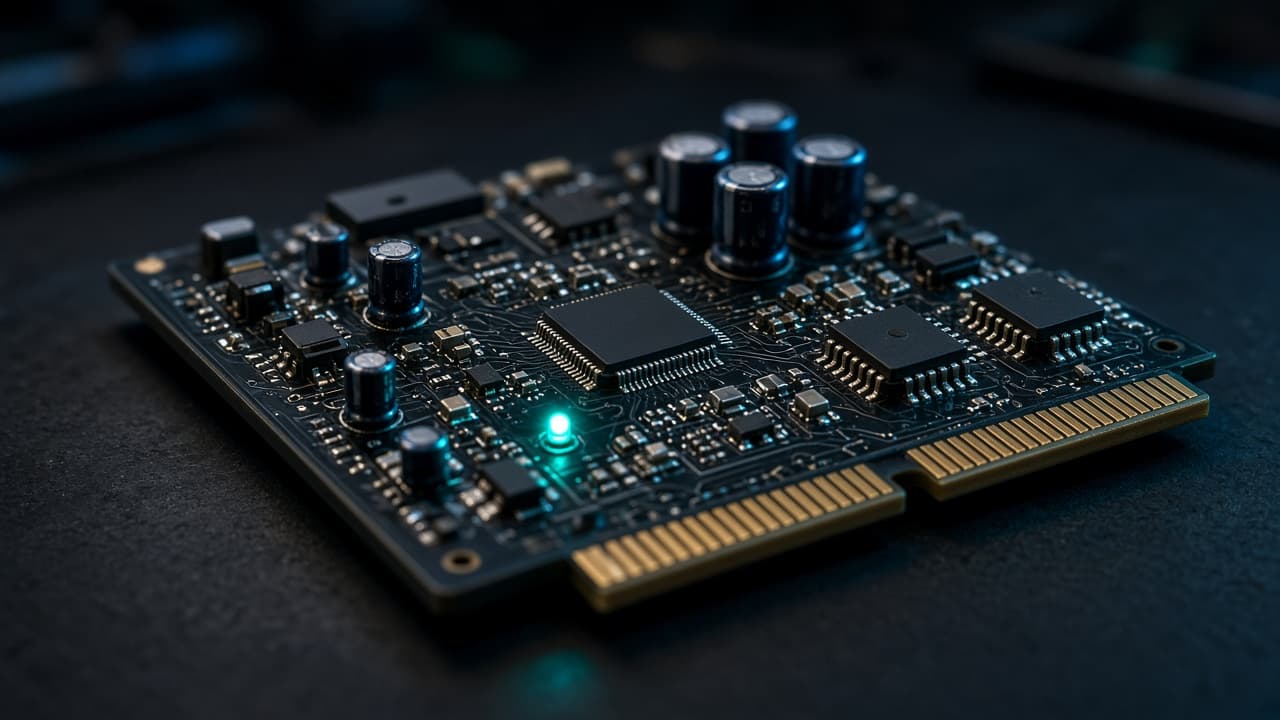
A custom board for the current, the motors, and the sensors the machine actually has. Not a development kit left inside a product. Power, drive, sensing, and the connector that meets the rest of the cell are drawn for that environment.
- Schematic and PCB for the job
- The current the motors really draw
- A connector the floor can use
02 · The firmware
Embedded programming
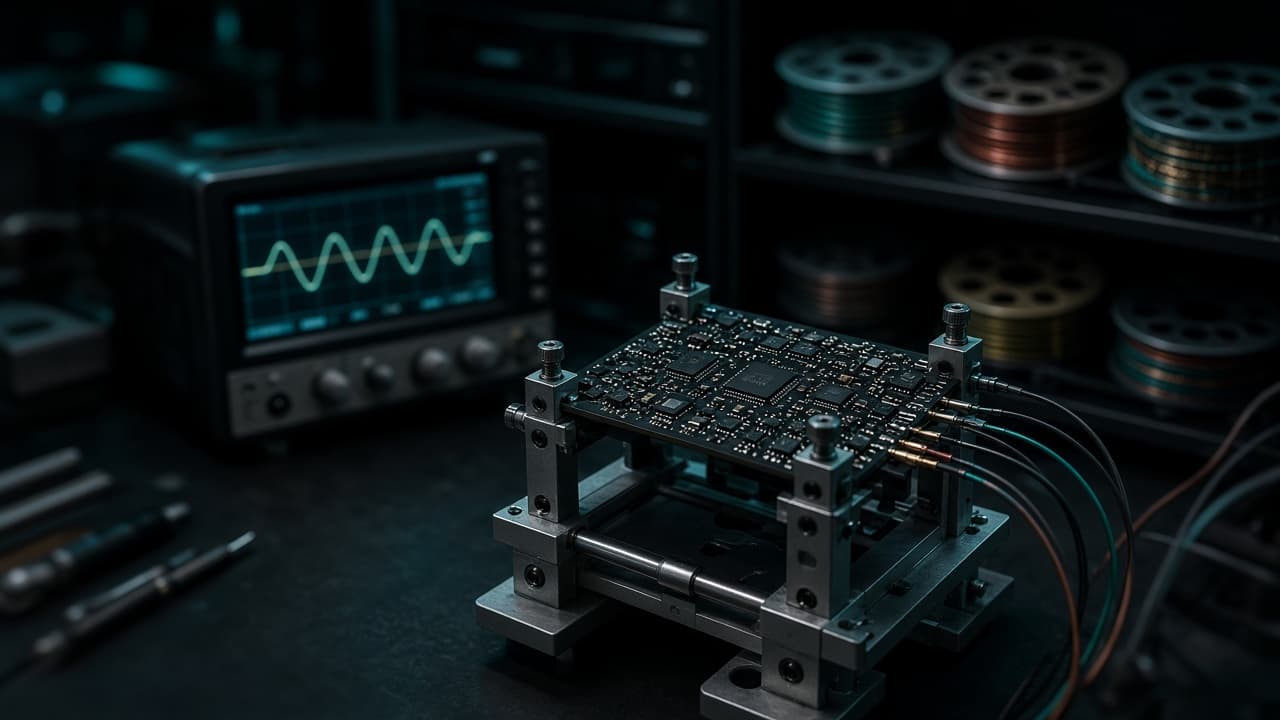
The program that lives on the board. A control loop that has to hold, a safe state when something is wrong, and a way to update the board in the field without opening the machine. Bring-up happens on the bench, with a probe, before it is trusted on the floor.
- Real-time control on the controller
- A known state when a limit is hit
- Bring-up before installation
03 · The machine
Intelligent robotics
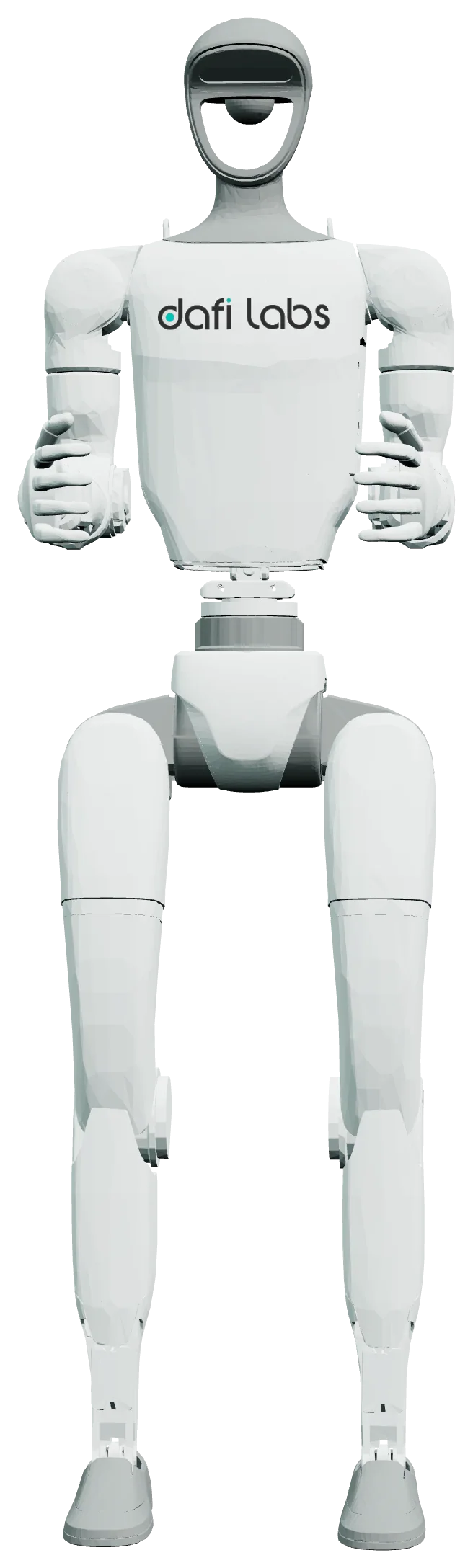
Perception and motion for the room you have. An arm that finds a part, a platform that moves through a real aisle, a cell that repeats the job. The model in the picture is the class of machine. The work is making it do your job, not a demo.
- Perception in your light, on your parts
- Motion inside the space you have
- A cell, not a trade-show loop
04 · The automation
The link to the floor
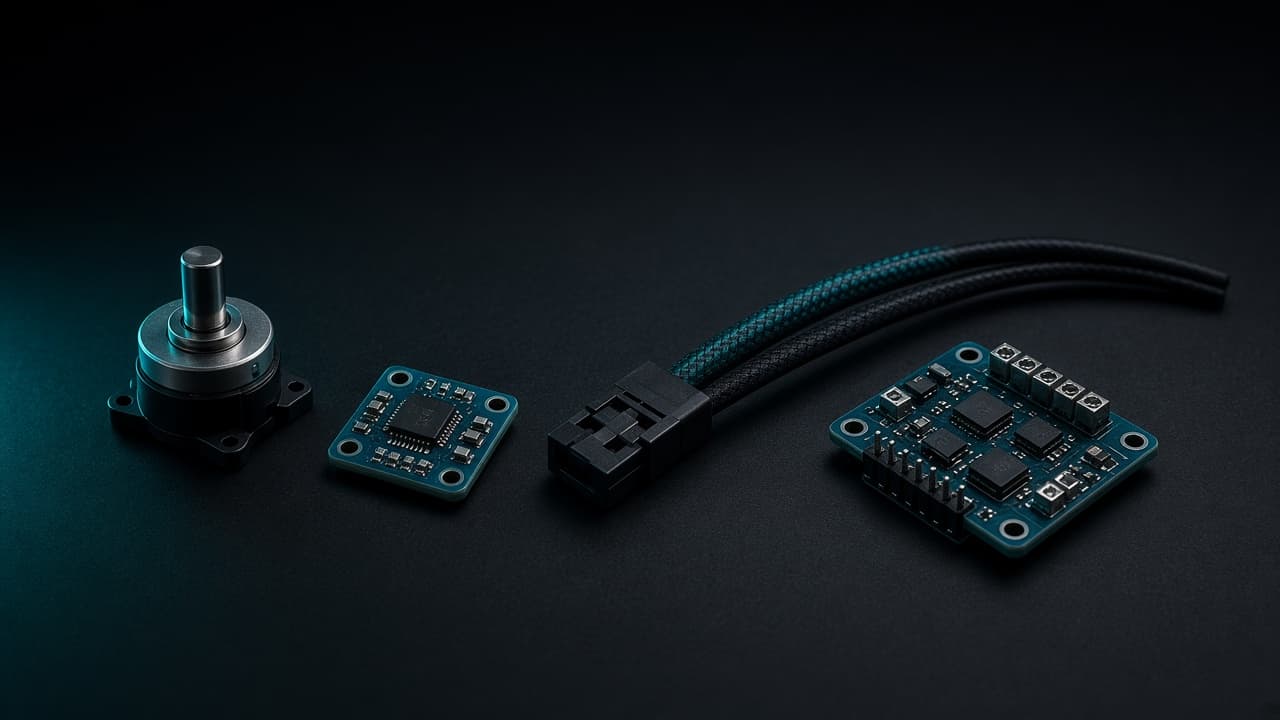
The machine has to speak to something you already trust: a PLC, an order system, a line that is already running. Encoders, drivers, and the bus are chosen for that conversation. We do not invent a second system of record beside the one your team uses.
- CAN, RS-485, Ethernet, or the bus you have
- Orders and state stay where they are
- The harness is part of the design
The circuits, named.
A board is a set of jobs. These are the ones we design, and we only put on the board what the machine needs.
01
Power
Regulation, protection, and the current the motors draw when they start, not only when they sit still.
02
Motor drive
Stepper, BLDC, or servo. The driver is matched to the joint, with a limit the firmware can trust.
03
Sensing
Encoders, an IMU, force, and vision. The front-end keeps the signal clean before software ever sees it.
04
Communication
CAN, RS-485, Ethernet, Wi-Fi, or BLE. The bus is the one the floor already speaks, when it has one.
05
Safety
Limits, an emergency-stop path, and a state the machine returns to when a sensor disagrees.
Tools and technologies.
The stack is chosen for the loop that has to hold, and for the software that sits beside the machine.
KiCad
Schematic and PCB layout for the custom board.
C and C++
Firmware on the controller. The motion loop lives here, not in a slide.
Python
Perception, bring-up scripts, and the software beside the machine.
ROS 2
When perception and motion are a robot stack. Not when a direct control loop is the simpler machine.
STM32-class MCUs
A deterministic controller when the loop has a deadline.
ESP32-class modules
When the board itself has to speak Wi-Fi or BLE.
TypeScript
The application that connects the cell to the rest of the operation.
Vision models
Detection and pose, trained on your parts and your light.
Where the AI sits.
A language model does not move the arm. Perception can use a vision model, trained on the parts and the light in your room, to find what the gripper should take. The motion is a control loop on the board. AI in the software around the cell is for the operation: seeing a part, reading a state, handing a case to a person. It is not a chatbot wearing a robot.
How a job is delivered.
Times overlap when the board and the machine are one engagement. A number below is a range for that part, not a promise made before we have seen the room.
- 01
The job
The first week
What the machine must do, in the room you have, and which system it has to talk to.
- 02
The board and the motion
Drawn together
Schematic, layout, and the motion, so the electronics and the arm are not designed by two strangers.
- 03
The bench
6–10 weeks for a new board
The board powers. The joints move. Firmware on a board that already exists is often 3–6 weeks. Failures are found here.
- 04
The floor
8–16 weeks for a first cell
Installed in your environment and connected to the operation. A first working cell is scoped after we have seen the room.
- 05
The team
Before we leave
The people who will run it can run it. The design and the firmware go with the machine, so a small change is not a new project.
What changes for you.
One studio
The board, the firmware, and the machine are one engagement. You are not hiring a robot vendor and then a separate electronics shop.
Your environment
Built for the light, the aisle, and the parts you already have. A demo cell that only works in our room is not a delivery.
Your system of record
Orders and state stay where your team already looks. The machine joins that system. It does not replace it.
A team that can run it
Handover includes the people. We stay until running it is ordinary for them.
Questions
Do you only supply a robot?
No. The board, the firmware, and the connection to your operation are the work. A machine with none of that is not the engagement.
Can you design a board without a robot?
Yes. Intelligent boards and embedded programming are their own jobs: a controller, a driver, a sensor front-end, firmware that holds.
Does an AI move the arm?
No. A vision model can find the part. The motion is a control loop on the board. A language model does not drive the joints.
How long does it take?
A new board, from schematic to a tested prototype, is typically 6–10 weeks. Firmware on a board that exists is often 3–6 weeks. A first cell on your floor is commonly 8–16 weeks after we have seen the room. They overlap when they are one job.
What do you need from us to start?
The job the machine must do, the room it will stand in, and the system it has to talk to. Photos and a walk-through are enough to say whether we should begin.
Start with the floor you already run.
Tell us the job and the room. We will say whether the first build is a board, firmware, a machine, or all three.
Also in the work